
Advice for CPU + MEM combo needed

Torsten

New member
Hi folks,

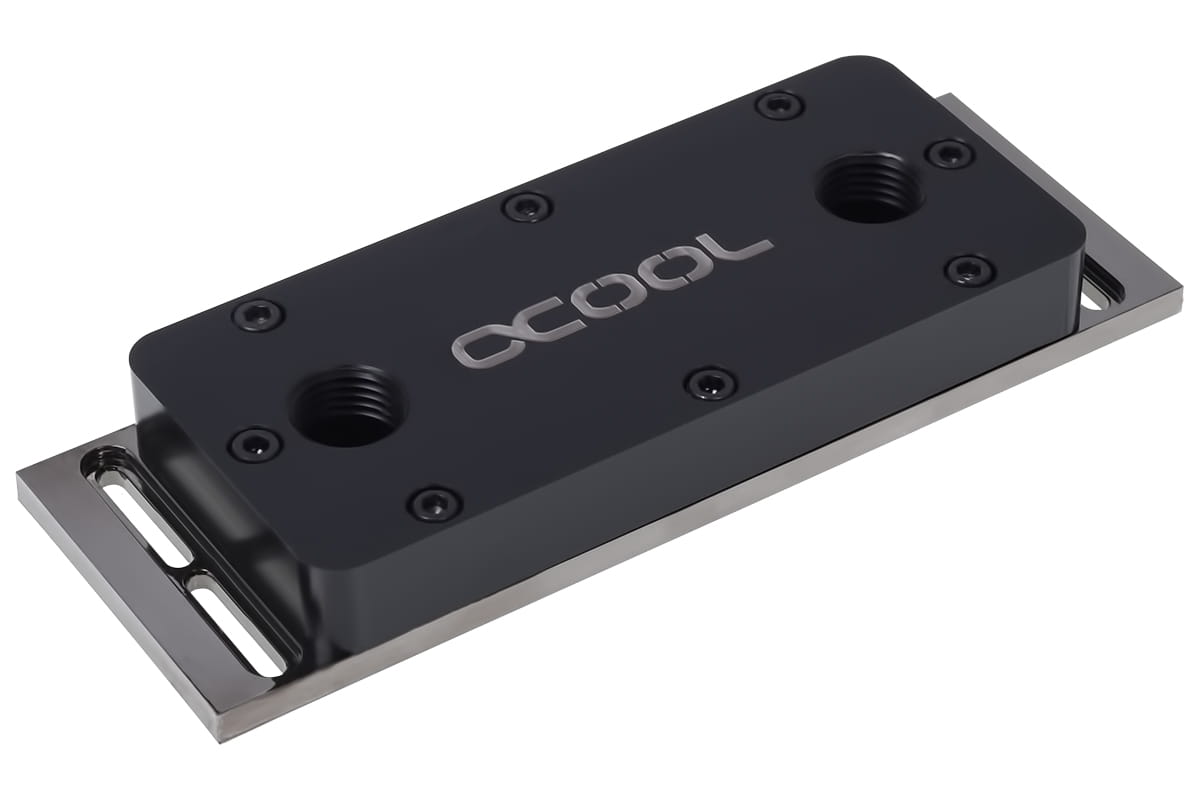
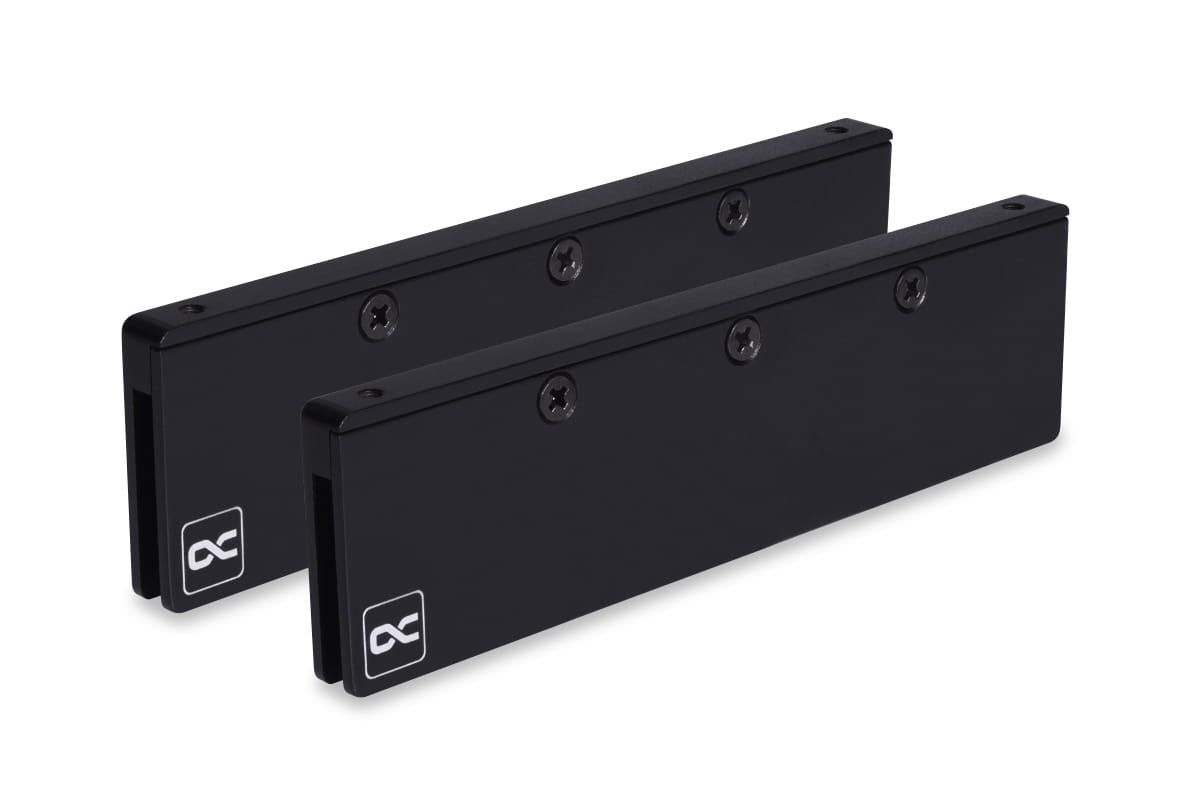
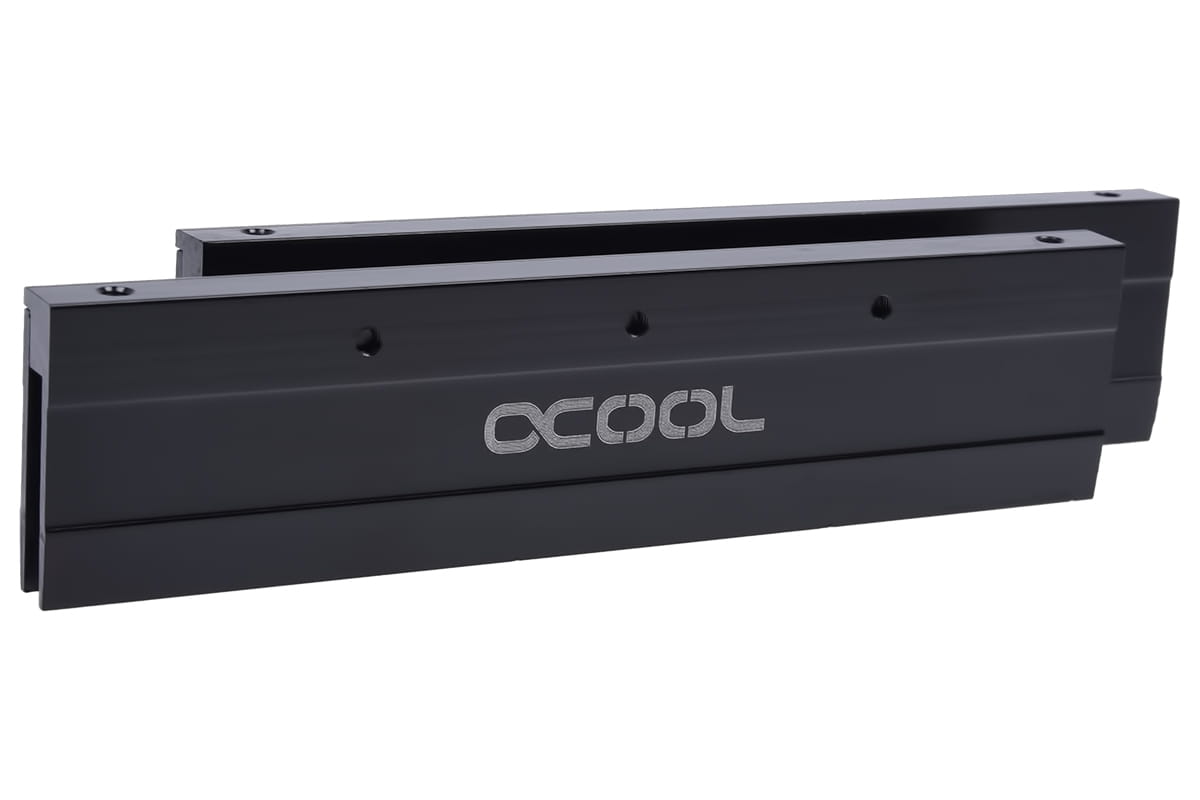
I'm using an Alphacool Eisbär Pro Aurora 420 CPU and want to expand this with memory cooling.

Can someone advice me what is needed apart from

or am I completley on the wrong path and it's not possible to expand the Eisbär 420 with memory cooling?

Thanks
Torsten
 

Eddy

Iceman
Staff member
That's definitely possible. You just need to extend the loop using the quick-release connectors. You can either use an extension set (just search for it in the shop—looks like item 12983, for example), or purchase the quick-release fittings, tubing, and fittings individually. One thing to keep in mind: you will of course need to top up the coolant.

By the way, did you notice that the selected D-RAM modules are for DDR4 and not DDR5? If you're looking for DDR5-compatible ones, the correct item number would be 17631.
 

Torsten

New member
That's definitely possible. You just need to extend the loop using the quick-release connectors. You can either use an extension set (just search for it in the shop—looks like item 12983, for example), or purchase the quick-release fittings, tubing, and fittings individually. One thing to keep in mind: you will of course need to top up the coolant.

By the way, did you notice that the selected D-RAM modules are for DDR4 and not DDR5? If you're looking for DDR5-compatible ones, the correct item number would be 17631.
Hi Eddy,
thank you for your reply. I could have been a bit more specific. I'm using the Eisbaer 420 with following setup:

Fractal Design Define 7 XL
ASUS PRO WS WRX90E-SAGE SE
AMD 7985WX
8x DDR5 64GB reg. ECC DIMMs

So I would need:
Can you help me with the accessory needed to connect to the AIO CPU solution?
Can I find some standard how to in this forum how to do such kind of expansion?

Thanks
Torten
 

Eddy

Iceman
Staff member
Sure... there are two ways. I will link you two baskets so you can choose what you like.
1. With Extension Set. But, i think the tubes will be very very long at all since that extensions are also around 30cm long. https://shop.alphacool.com/AtsdCartSave/load/key/304fbb82fc8a6aea087a5ef6b6820af0

2. Single parts. You can cut the tubes like you want.
https://shop.alphacool.com/AtsdCartSave/load/key/875240b82c872769606fa26e23f8081a

I've already taken into account that you have 8 RAM sticks. That's why you need 4 of the RAM cooler sets, as each set includes coolers for 2 RAM sticks, and two of the X4 coolers, each of which covers 4 RAM sticks. For the RAM coolers, you'll need 2 fittings each.

Even if it might seem strange at first, you actually only need one quick-release coupling, not two. You would open the quick-release coupling at the Eisbaer, which gives you two connection points. From one of those, you go into the first RAM cooler, then into the next one, and finally back to the second connection point, which you then connect to the second half of the quick-release coupling.

I hope this helps you!
 

Torsten

New member
Sure... there are two ways. I will link you two baskets so you can choose what you like.
1. With Extension Set. But, i think the tubes will be very very long at all since that extensions are also around 30cm long. https://shop.alphacool.com/AtsdCartSave/load/key/304fbb82fc8a6aea087a5ef6b6820af0

2. Single parts. You can cut the tubes like you want.
https://shop.alphacool.com/AtsdCartSave/load/key/875240b82c872769606fa26e23f8081a

I've already taken into account that you have 8 RAM sticks. That's why you need 4 of the RAM cooler sets, as each set includes coolers for 2 RAM sticks, and two of the X4 coolers, each of which covers 4 RAM sticks. For the RAM coolers, you'll need 2 fittings each.

Even if it might seem strange at first, you actually only need one quick-release coupling, not two. You would open the quick-release coupling at the Eisbaer, which gives you two connection points. From one of those, you go into the first RAM cooler, then into the next one, and finally back to the second connection point, which you then connect to the second half of the quick-release coupling.

I hope this helps you!
Hi Eddy,
thanks again for this advice.
Can you please check if my thoughts are correct?
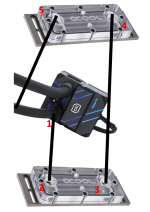
I'd remove the hose from out of CPU block (1).
Then connect one new extension hose from CPU out to DDR cooling block in (2)
Connect second new extension hose from DDR block 1 out (3) to DDR block 2 in (4).
And at last the initial removed hose from CPU block out to DDR block 2 out (5).
AIO-EXT.png

Thanks in advance.
Best,
Torsten
 

Eddy

Iceman
Staff member
Basically, that's correct, yes. One thing, maybe it's just a translation error—you don’t need to remove the tubing on the Eisbaer; you access it via the quick disconnect. In the parts link, there is a quick disconnect included, and one is enough. In the link with the extension sets, quick disconnects are included directly. Just wanted to clarify that. But otherwise, yes, that’s exactly how you can do it.
 

Torsten

New member
Hi Eddy,

we have received all the parts now. Sadly when we ordered, the Alphacool Tec Protect 2 Clear 1000ml was not available (which is now).
Instead we have ordered the Alphacool Apex Liquid ECO 1000ml clear.
Can we mix the ECO liquid with the liquid already in the Eisbär 420? Or should we drain it first?

Thanks in advance!
Kind regards,
Torsten
 

Eddy

Iceman
Staff member
Drain the AIO first. The coolant in the Eisbaer is different. You shouldn’t mix it, as the ratios of the ingredients would no longer be correct, which isn’t ideal.
 
Top